
Favicon Generator
Turn any image into a full favicon pack — every size, favicon.ico, manifest, and HTML snippet.
Written by SamundraLast updated
Drag and drop a file here
PNG, JPG, WebP, or SVG
Works best with a square logo, but any image can be cropped or padded to fit.
Related tools

Introduction
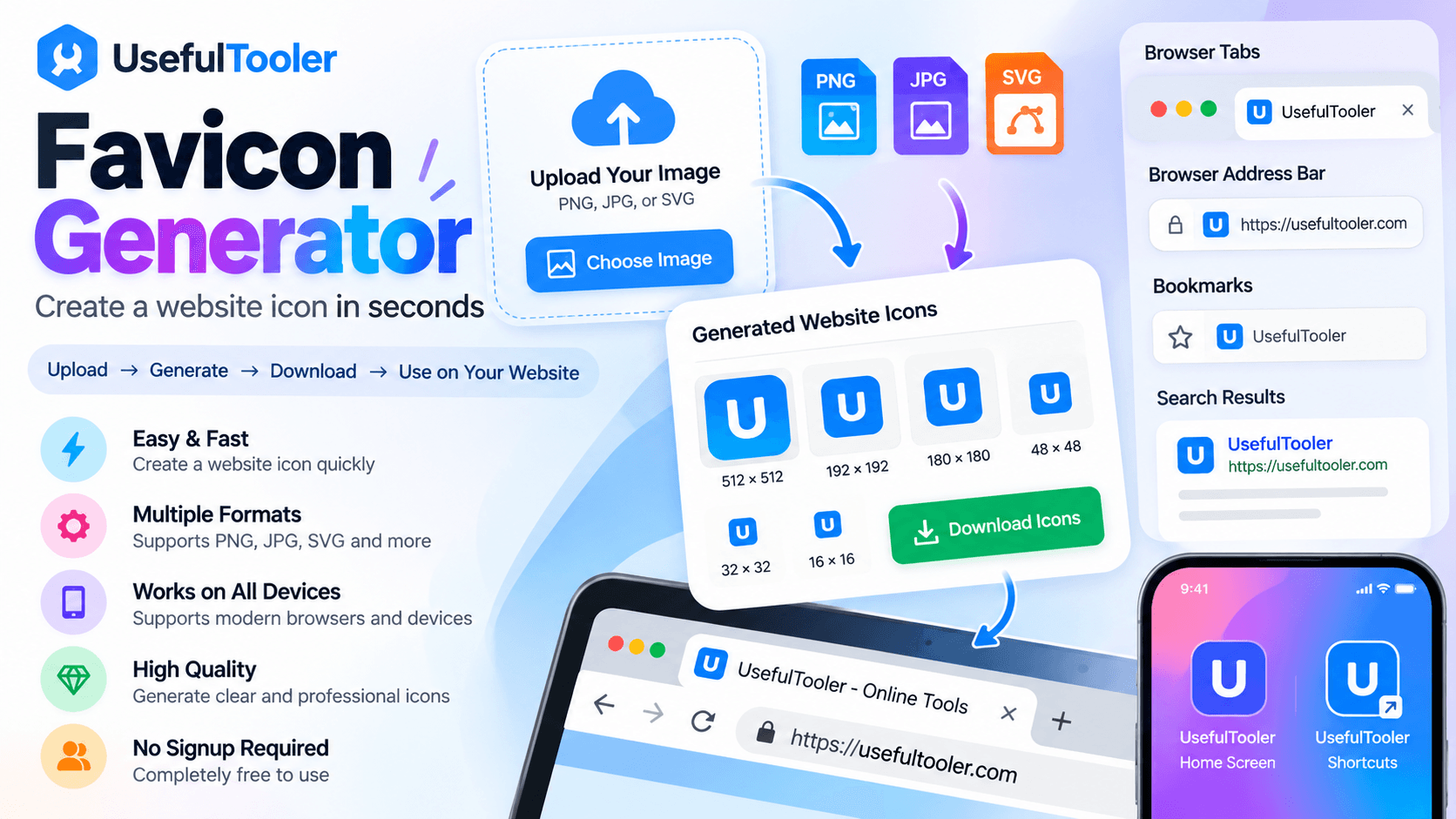
A Favicon Generator is a free online tool that allows users to easily create a website icon. A favicon is the small icon displayed in browser tabs, bookmarks, browser history, search results, and sometimes near the browser address bar. Using this helps users make their websites look more professional.
When a user uploads an image to this tool, such as PNG, JPG, or SVG, they can instantly generate a website icon in standard formats. You don't need to install separate software to use this tool, and it is suitable for developers, designers, bloggers, businesses, and anyone building a website.
Why Use This Favicon Generator?
Creating a website icon manually can be time-consuming, especially when users need different sizes for various web browsers and devices. By using this icon generator, users can automate the process and generate icon files that are ready to use on their websites.
This tool also helps make websites look more professional and allows users to create icons directly from their web browser. It has a simple interface that is suitable for beginners and generates files from common image formats. The tool supports modern web browsers and devices and provides the appropriate file format for website use. It is completely free to use, saves time compared to creating icons manually, and produces high-quality icons with minimal quality loss.
Key Features
- Fast and Effective – This tool is fast and effective, allowing users to generate website icons within seconds.
- Maintains Original Quality – It maintains the original image quality and generates high-quality icons that help give websites a professional look.
- Supports Different Devices – The generated icons are easily supported across different devices, including desktops and mobile devices, as well as modern web browsers.
- No Login or Signup Required – Users can directly use this icon generator without creating an account, logging in, or signing up.
- No Software Installation – There is no need to download or install any separate software. Users can access and use the tool directly through their web browser.
Privacy and Security
Privacy is very important when using any online tool. Therefore, this tool protects users' data from unauthorized access, allowing users to use it with confidence. Files are transmitted securely, and users do not need to provide any personal information.
Images are processed automatically, and no account registration is needed. Your uploaded images remain private throughout the entire process. You can confidently create website icons knowing that your files are handled securely.
Supported Files, Limits & Output
Supported Input Formats:
- PNG (.png)
- JPG (.jpg)
- JPEG (.jpeg)
- SVG (.svg)
Output Format:
- ICO (.ico)
- Standard shortcut icon sizes
Website Use:
- Place the generated icon in your website's root directory.
- Use the link rel tag to connect the icon to your webpage.
- Icons can appear in browser tabs, bookmarks, and on the home screen of supported devices.
- ICO files can also support older browsers such as Internet Explorer.
Supported Devices:
- Windows
- macOS
- Linux
- Android
Try this favicon checker
How to use
Upload Your Image
Choose a different image type, such as PNG, JPG, JPEG, or SVG, for the image you want to use as your website icon.

Generate Favicon
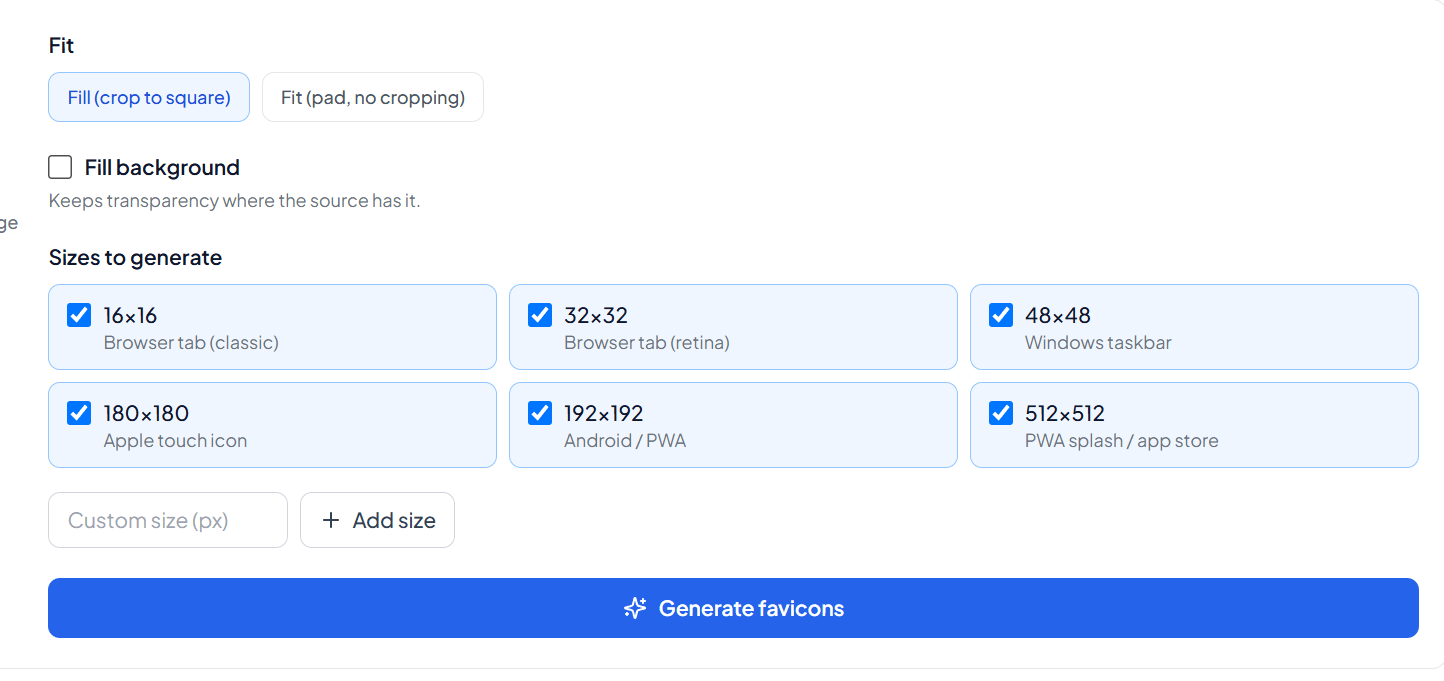
Select the available size or settings and click the Generate button. The tool will automatically process your image within seconds.
Preview Your Icon
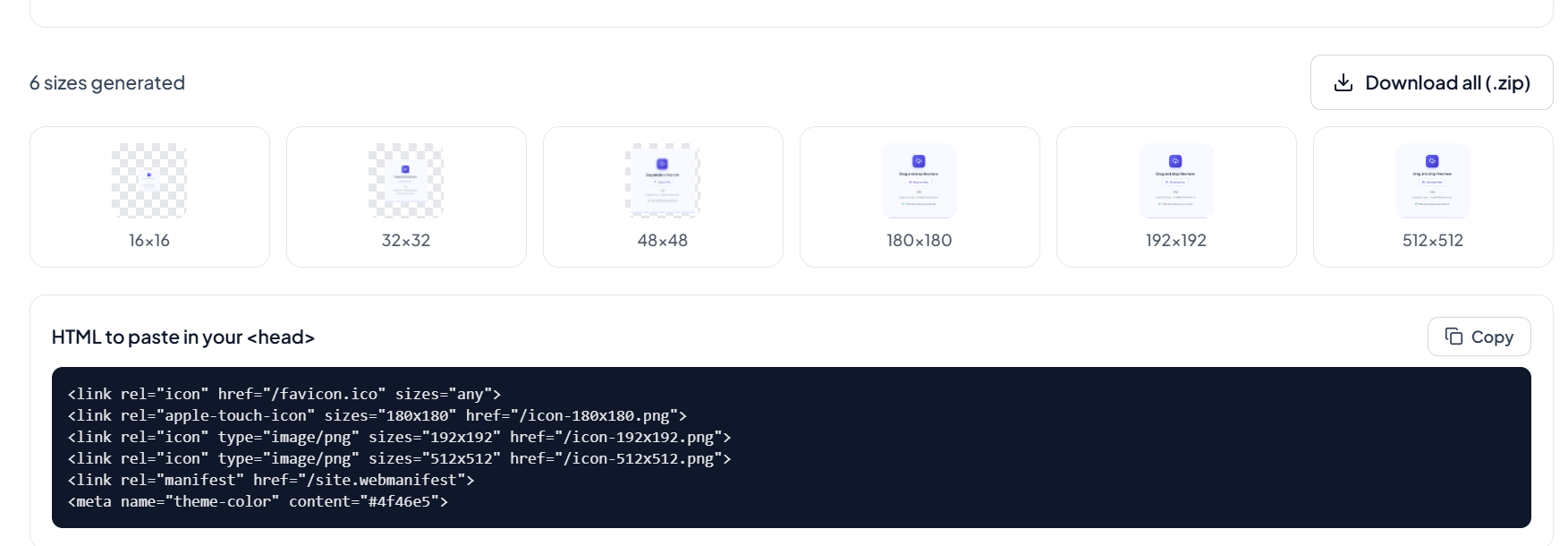
Check the generated icon to make sure it looks clear and suitable for your website.
Download icons
Click the Download button to save the generated favicon and use it directly on your website.
Frequently asked questions
What is a Favicon Generator?
A Favicon Generator is an online tool that converts an image or logo into a small website icon that can be used in browser tabs, bookmarks, and other supported locations.
Which image formats can I use?
u can upload supported image formats such as PNG, JPG, JPEG, and SVG to generate your website icon.
Can I use the generated icon on any website?
Yes, you can use the generated file on websites, blogs, portfolios, business websites, and other supported web projects.
Can I convert my image before creating an icon?
Yes. If your image is in an unsupported format, you can first use an image converter to convert it to a supported format such as PNG or JPG.
Should I compress my image before generating an icon?
You can use an image compressor if your source image has a very large file size. However, make sure the image remains clear enough to produce a good-quality icon.
What is a shortcut icon?
A shortcut icon is a website icon used by browsers to represent a webpage. The term was commonly associated with older browsers such as Internet Explorer.
Last updated:
Share this tool
Know someone who'd find it useful? Send it their way.